


Having internet access on your phone in Thailand is very useful for finding your hotel, checking a map, booking a ride, or contacting accommodations. But between SIM cards sold at the airport, 7-Eleven offers, and eSIMs that need to be installed before departure, it's not always easy to know which one to choose.
The first question isn't simply "SIM or eSIM?". You really need to look at what the plan includes: internet only, a Thai number, calls, SMS, and for how many days. Here are the differences you need to know and the options available to you.
Offers and information verified in October 2026. Prices may vary depending on promotions and the purchase channel.
Which option should you choose for your trip?
- You want an assisted installation: Buy a SIM or eSIM from an operator's store or at their counter at the airport.
- You prefer to prepare everything before departure: An eSIM purchased online may be suitable, after checking the compatibility of the phone and the start of validity.
- You want a Thai number: Choose an offer that explicitly includes this number and the desired services. An eSIM can also meet this need.
- Are you looking to reduce your budget? Compare plans with limited data volume or capped speed, rather than automatically choosing an unlimited tourist offer.
Physical SIM or eSIM: what's the difference?
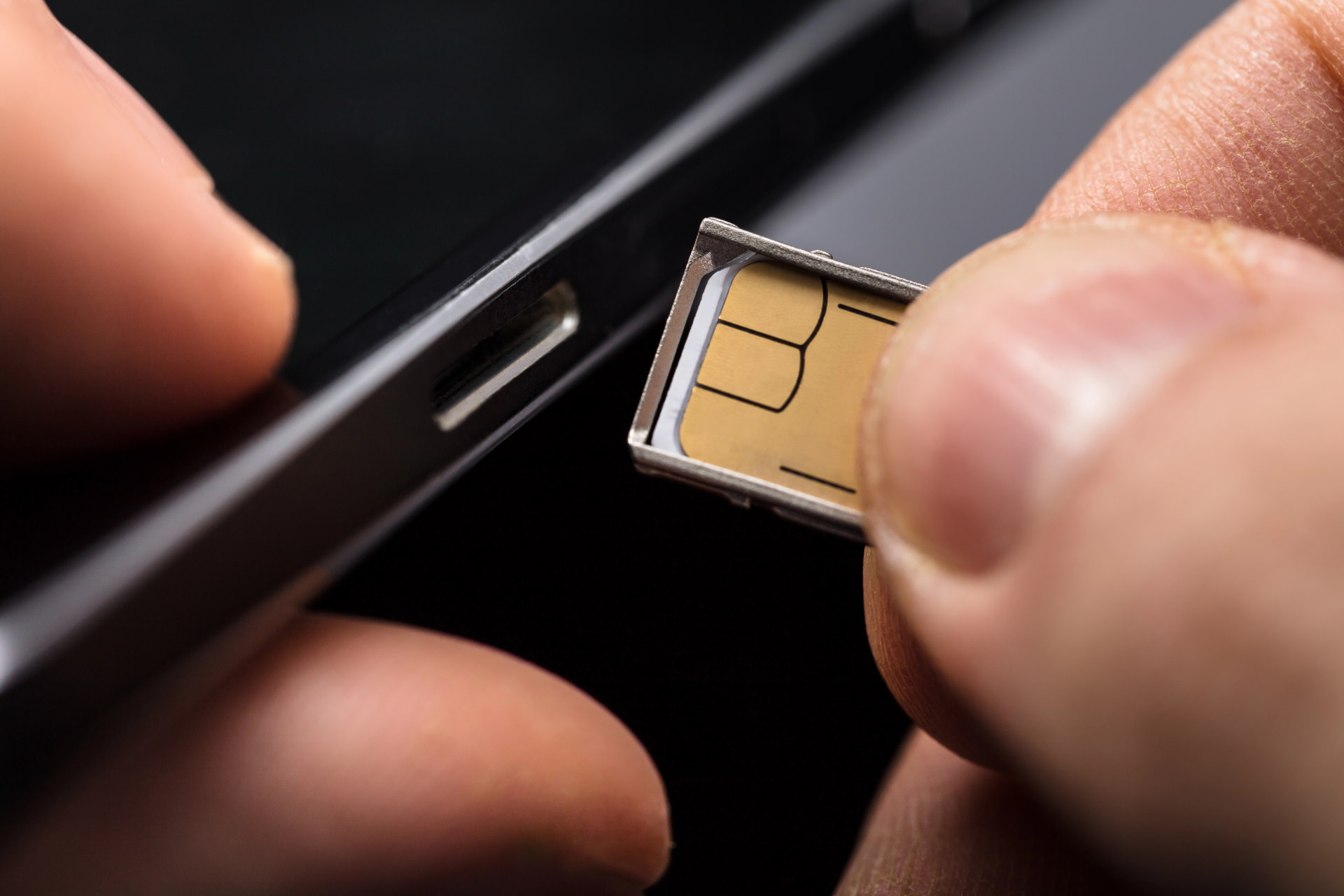
A physical SIM card is inserted into the phone. An eSIM is a digital profile installed on a compatible device, usually via a QR code or the provider's app. In both cases, you use the mobile network included in your plan.
eSIMs aren't just for international providers. Thai operators AIS and True also offer tourist eSIMs, so you can have a local line without using a physical SIM card.
The physical SIM card
This is suitable if your phone doesn't accept eSIMs or if you prefer to have the card installed locally. If you only have one slot, you'll need to remove your regular SIM card: store it carefully. With two compatible slots, you may be able to keep both lines.
The eSIM
It eliminates the need to handle a small SIM card and, on a compatible phone, allows you to keep your usual number while adding a travel line. Check the exact model of your device, including its version depending on the country of purchase, and make sure it can use a different network operator.
The most important factor is the associated plan. A "data only" eSIM does not provide the same services as a plan that includes internet, a local number, and calls.
Is my phone compatible with an eSIM?
Before buying, check if your phone offers the option to add an eSIM:
- On iPhone: Settings → Cellular data → Add an eSIM.
- On Samsung Galaxy: Settings → Connections → SIM manager → Add an eSIM.
- On other Android phones: search for "eSIM" in the settings; the names vary by brand.
If you can't find this option, check the provider's list of compatible devices before paying. Verify your phone's exact model number: the same model may support eSIM in one country but not in another.
The phone must also be unlocked to use a different carrier. And having two SIM card slots does not mean it accepts eSIMs.
Do eSIMs cause problems with certain applications?
An eSIM doesn't inherently block applications. The difficulties mainly arise from the chosen plan: lack of SMS or a connection routed through another country.
SMS verification code
With a "data only" plan, you have internet access but no phone number you can use to receive SMS messages. If an app requires a code, you'll need to receive it on your regular phone line, or choose a local plan that includes SMS. Codes from your bank will still be sent to the number registered with them.
For WhatsApp, you can keep your usual account and number: the application uses the internet connection of the new line. No need to change your number in your settings.
The connection location
Some travel eSIMs route the connection through a foreign country. A website may then see that you are connected from another country and deny access to a service restricted to a specific geographic area, or trigger a security check.
To get a Thai phone line and installation assistance, you can purchase an eSIM directly from a local operator. To prepare your connection before departure, the travel offers listed below are also worth considering. My preference for AIS coverage doesn't mean its eSIM is the easiest to buy online.
Where to buy a SIM card in Thailand?
At the airport: convenient for being connected as soon as you arrive
Operators have counters in major airports. This is a convenient solution if you want to travel with a working connection: you can ask the staff to set it up and check that everything is working.
Before paying, specify the length of your stay and ask what the offer includes. The advertised plan may not be the best fit for your needs. Compare data allowance, speed, and call options, rather than just the price.
Before leaving the counter, turn off the Wi-Fi and open an internet page: you will immediately know if the line is operational.
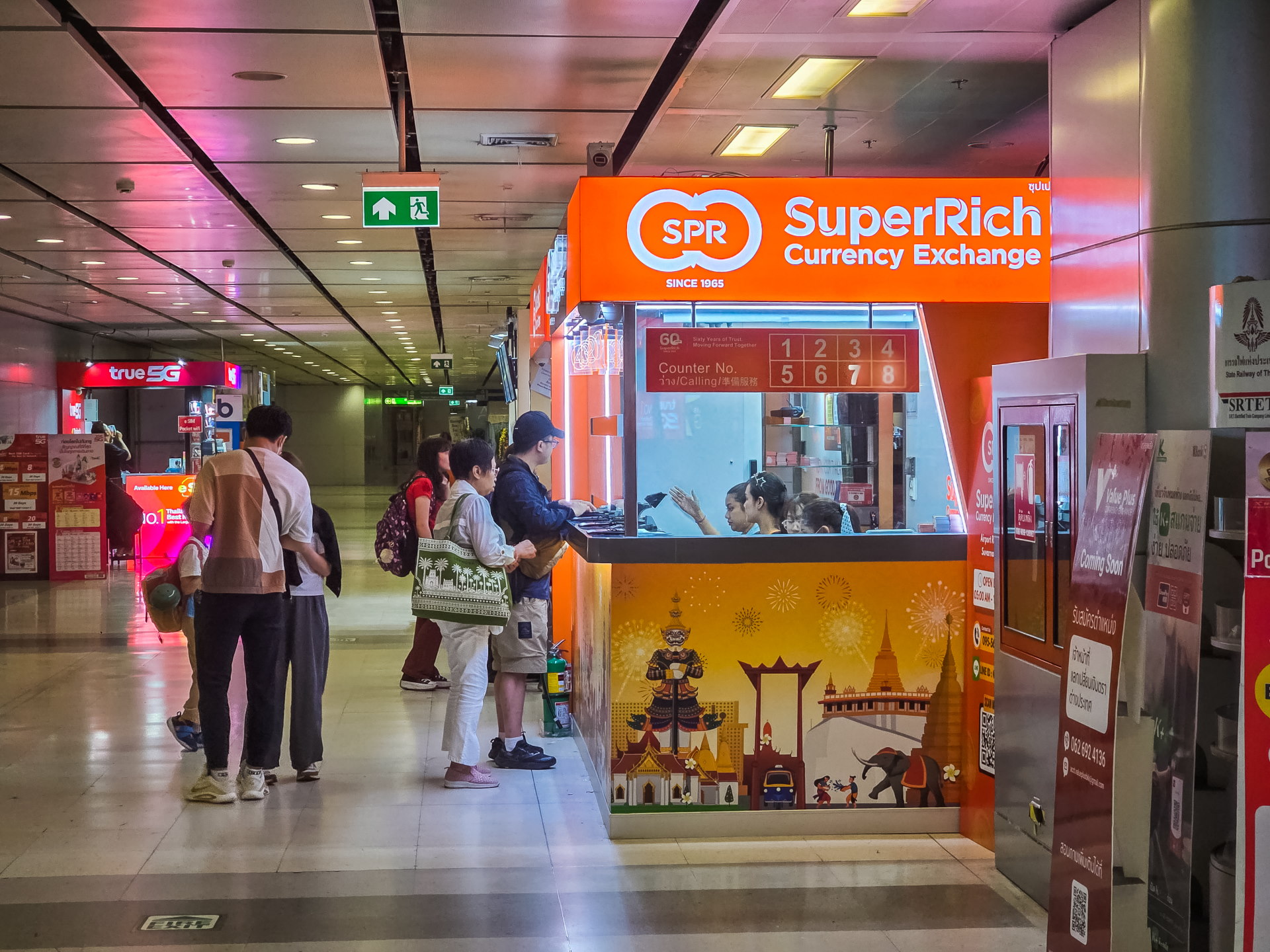
The best option? Head to the basement; you'll have plenty of choice, and that's also where you'll find currency exchange offices like Super Rich, which I recommend.

In an AIS, True or dtac store
A mobile operator's store allows you to discuss the different plans and get help with activation. It's also a good point of contact if you need to change your plan or resolve an issue during your stay.
Ask for a plan tailored to your trip duration, with or without calls. If you're staying for an extended period, clarify the top-up options and the terms for maintaining your line.
In a 7-Eleven
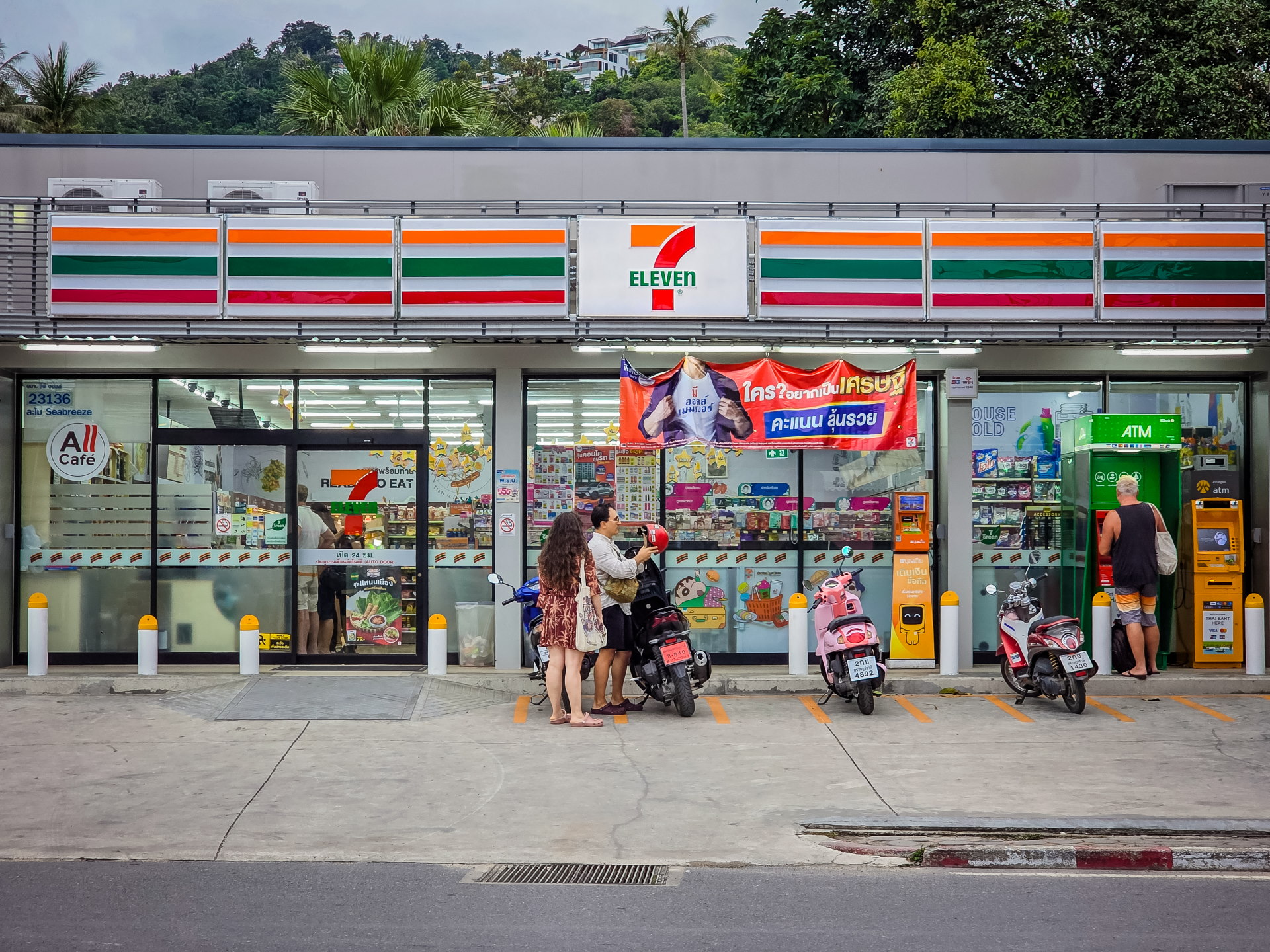
True sells SIM cards specifically for 7-Eleven, and these stores also allow you to top up certain lines. But buying a SIM card, buying a plan, and topping up your credit are three different operations.
The old True plan at 300 baht that I recommended was easy to find at 7-Eleven. Today, I wouldn't advise you to rely on that plan when you arrive. SIM cards are still sold at the store, but some promotions are linked to the ALL Member program.
You can ask which plan the store can register with your passport and what it includes. If the purchase or activation fails, a mobile operator store remains a more direct solution for assistance.
Online, before departure
You can purchase an eSIM from a Thai mobile operator or travel provider. Check the network used, the included data allowance, whether a phone number is included, call and SMS functionality, and the terms of tethering.
Pay particular attention to when the validity period begins . Depending on the offer, the countdown may start upon installation or upon the first connection to the covered network. Therefore, do not install your eSIM several weeks in advance without having read this condition.
Which eSIM should I choose for Thailand?
You don't have to go through a brand specializing in eSIMs: AIS and True sell them directly. To help you choose, here are the differences between these local offers and some travel providers. This comparison focuses on the plans offered, not on a personal review of each one.
| Option | This can tip the scales in favor of the choice | Things to know before buying |
|---|---|---|
| AIS | The network I use and recommend for its coverage; an option if you want a local line and on-site assisted installation. | Reference price: 699 baht for 15 days in the Lucky Tourist range. |
| True | Another local option, especially for a short stay. | A 10-day eSIM is listed at 349 baht. Check this out before opting for a more expensive offer. |
| klook | Purchase before departure via a booking platform already known to travellers, with packages using AIS or True. | Offers range from 1 to 30 days, data only, and tethering is allowed. For unlimited plans, 15 GB per day is advertised at full speed, then the speed drops to 1 Mbps. |
| Air it | Purchase before departure; choice between fixed volume and unlimited data. | The unlimited offer shown is €36 for 15 days. The selection viewed is "data only": do not rely on a local number unless explicitly stated otherwise. |
| Nomad | Compare for a data allowance suitable for your stay; tethering allowed. | Network availability and the presence of a local number depend on the plan. Choose the specific model, not just the brand. |
| sally | Purchase before departure and automatic activation upon arrival, once the line is activated in the phone; tethering allowed without a specific limit. | 10GB for 30 days at €9,99. The unlimited 15-day plan at €34,49 includes 5GB per day at full speed, then reduced speed up to 1Mbps. However, these internet plans do not include a Thai phone number. |
| Holafly | Unlimited data on the phone, with a duration chosen according to the stay. | $50,50 USD for 15 days; no local number. Tethering limited to 1 GB per day: I wouldn't recommend it for working on a computer. |
To buy an eSIM before leaving on a limited budget, I would compare Saily, Airalo, and Nomad. Saily, in particular, offers a good price: €9,99 for 10GB usable for 30 days. If you want unlimited data on your phone, also compare Holafly, keeping in mind its sharing limit.
For a local line with on-site assistance, AIS remains consistent with my experience of the network; for ten days on a tighter budget, the True offer at 349 baht is worth considering.
What are the rates for tourist SIM cards?
Here is the current selection of tourist packages:
| Duration | AIS Lucky Tourist | True Tourist Infinite |
|---|---|---|
| 8 days | 499 ฿ | 499 ฿ |
| 15 days | 699 ฿ | 699 ฿ |
| 30 days | 1 199 | 1 199 |
These plans offer unlimited data at maximum speed. With AIS, calls within the network are included, and a 100 baht credit is provided for other calls, subject to the terms of the offer.
For a ten-day stay, also consider the eSIM True at 349 baht: no need to automatically take out a fifteen-day plan.
To view current offers: AIS tourist SIM and eSIM and True/dtac tourist offers.
"Unlimited internet": also check the speed
A data plan may allow you to continue using the internet while limiting your speed, either from the start or after a certain amount of data has been used. Check the terms and conditions, especially if you plan to watch a lot of videos or connect your computer.
For maps, messages, and occasional searches, also compare plans with limited data allowances. Streaming, video calls, and photo backups increase data usage even further. You can reduce your needs by downloading your maps before you leave and reserving backups for Wi-Fi.
Which operator to choose: AIS, True or dtac?
For a long time, True was the preferred option, especially thanks to its 300 baht offer available at all 7-Eleven stores. It was easy to find and offered good value for money. Since this older plan is no longer available as readily as before, I would now recommend AIS instead.
This has been my mobile provider for almost twenty years, and their coverage has rarely let me down during my travels in Thailand. Even high in the mountains, I often have at least 4G. On the islands near the mainland, I also frequently find 4G, and sometimes even 5G.
There are obviously still places where reception is weaker, but for a trip to Thailand, AIS is a choice I recommend based on my experience . If you already have a True or dtac plan, that's no reason to switch: my preference for AIS stems from my long-term use, not from a comprehensive comparison of the three networks.

Activation and settings: points to check
Bring your passport
Local tourist lines require registration with a valid passport. Bring the original with you for in-store purchases and follow the verification procedure for online purchases.
Check the connection before leaving the counter
Once the SIM card or eSIM is activated, turn off Wi-Fi and open a web browser. If your plan includes a Thai phone number, keep it along with the plan name and its expiry date. Also keep the receipt and instructions from your provider.
Choose the right internet line
If you're keeping two lines, select the travel SIM or eSIM for mobile data. Disable data roaming on your regular line if your plan doesn't cover Thailand. Also, check any automatic switching settings between lines.
Conversely, some travel eSIMs require roaming to be activated on their own line . Follow the instructions for that offer: the setting should not be applied indiscriminately to both of your lines.
Keeping your usual phone number for receiving text messages does not mean that all its uses are free abroad. Check your operator's terms and conditions before making or receiving calls.
Top up the correct service
Adding credit doesn't necessarily extend your internet plan. Check if you'll then need to purchase a new plan, and avoid leaving data active after your plan expires without knowing the applicable rate.

Frequently Asked Questions about SIM Cards in Thailand
Is a Thai number absolutely necessary?
Not for viewing a map or using a pre-configured email account. A local number can still be useful for calling accommodation or being contacted locally. If a service requires a Thai number and a code via SMS, an internet-only plan won't be sufficient.
Can you share the internet connection with your computer?
Yes, if your plan allows it. Nomad allows tethering; Holafly's Thailand plan limits it to 1 GB per day. For regular computer use, this limit is more important than the word "unlimited" displayed for mobile phones.

Can you keep your WhatsApp number?
Yes, you can keep the number associated with your account and use the new line's connection. Do not change the number in WhatsApp just to install a travel SIM.
Should you buy a SIM card if your usual plan includes Thailand?
Not necessarily: if your plan includes enough internet in Thailand, you can keep your usual line and save yourself an additional purchase.
Free is a good example to look at. As of October 2026, the Free 5G+ plan includes a 35GB monthly data allowance for use abroad, including in Thailand. The Free Max plan, on the other hand, includes unlimited internet in covered destinations, including Thailand. This could be sufficient for your trip without needing to buy a local SIM card.
Be careful not to assume these benefits apply to all Free plans, especially the €2 plan or the Free Series offers. Check your exact plan in your customer area. Also, included internet access does not automatically mean included calls and texts from Thailand : consult Free's terms and rates abroad separately.
A local SIM card is still useful if you want a Thai number or if your internet allowance doesn't cover your needs.
And for a stay of several months?
Ask about the terms and conditions of a rechargeable prepaid line, the validity period of the number, and any additional identity verification requirements. AIS specifies that identity confirmation is necessary to continue using a tourist SIM card beyond 60 days after activation.
To prepare for the rest of the trip
You'll find more information on my page dedicated to Thailand . If you plan to work during your stay, I also cover organization and connectivity needs in my guide to remote work in Thailand.
